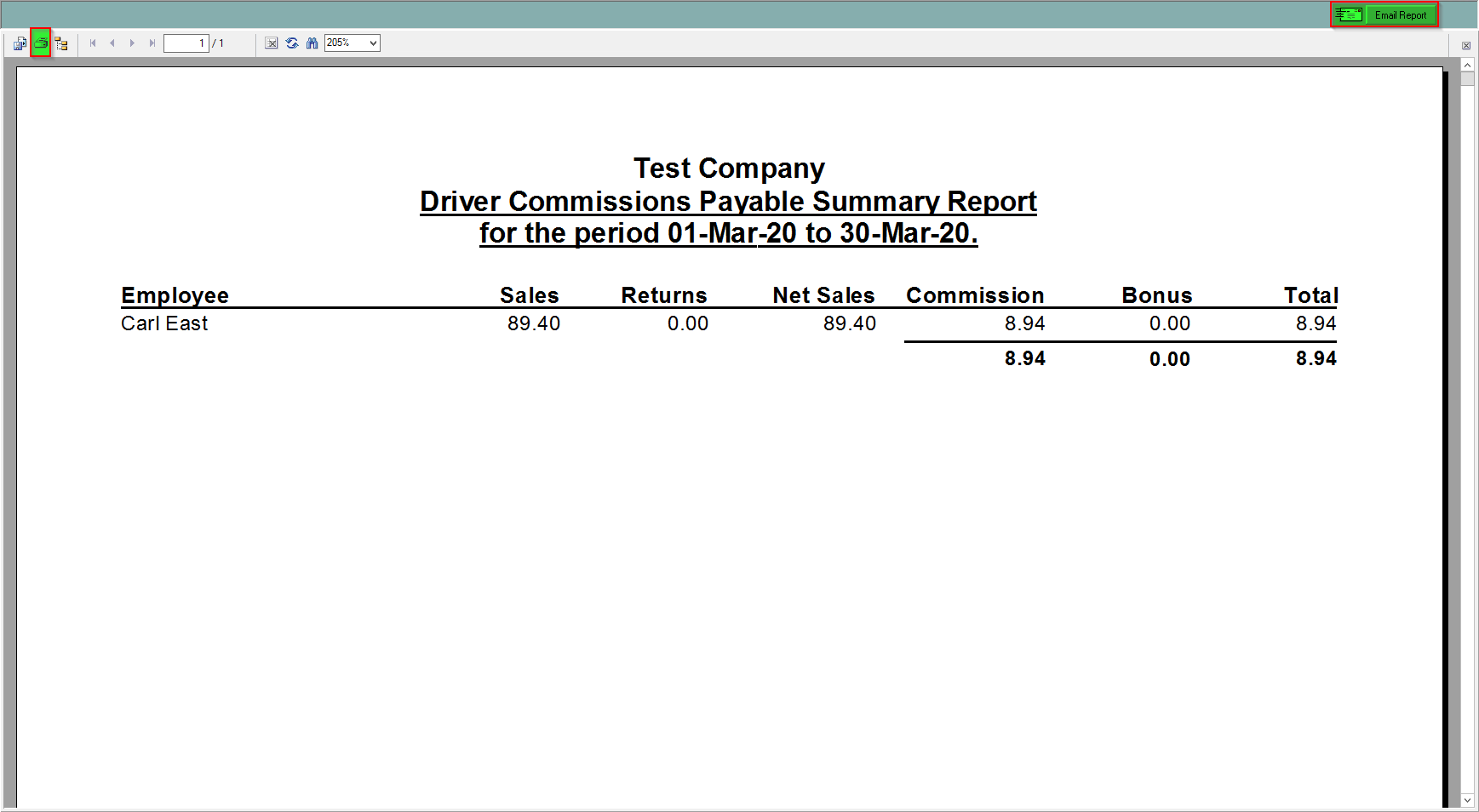
This report will show a summarized driver commission. It will have the employee, their sales, returns, net sales, commission, bonus and total. If there are more than one employees it will calculate the grand total for them all
To find this report:
- Click in the Accounting Centre and look for the Reports Drop-down

- Click on Driver Commission Payable Summary Report from the drop-down and click preview

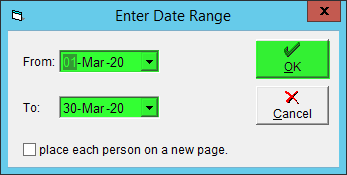
- A pop-up will appear where you can choose a date range
- You can print or email this report