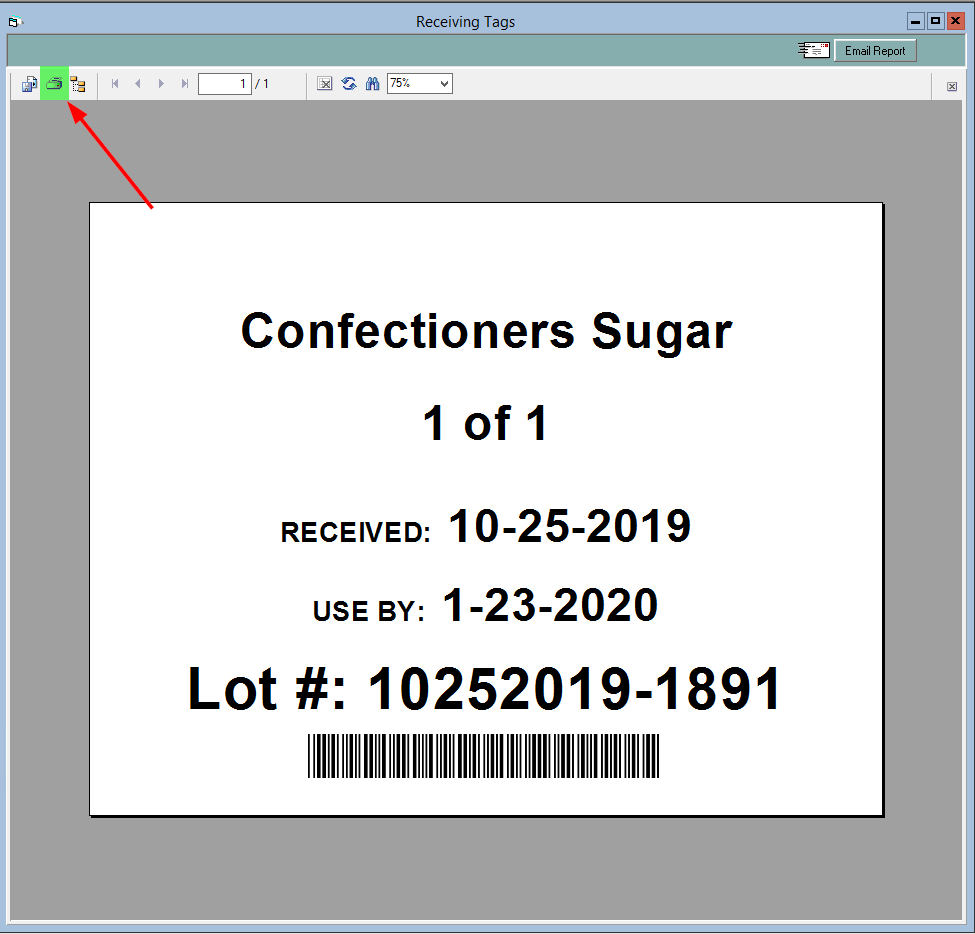
If you're doing lot tracking and traceability through FlexiBake, you can help make it easier on your employees to determine a record lot numbers during production using receiving tags. These tags display the name, supplier lot number, the date received and the use-by date of the raw material. You can simply print these out and hang them or affix them where the product is stored.
To print receiving tags:
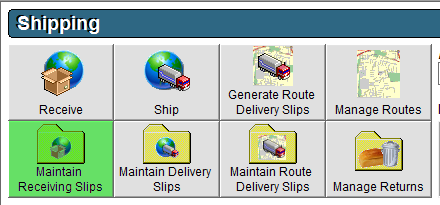
- Navigate to the Shipping Centre then click Receiving Slips.
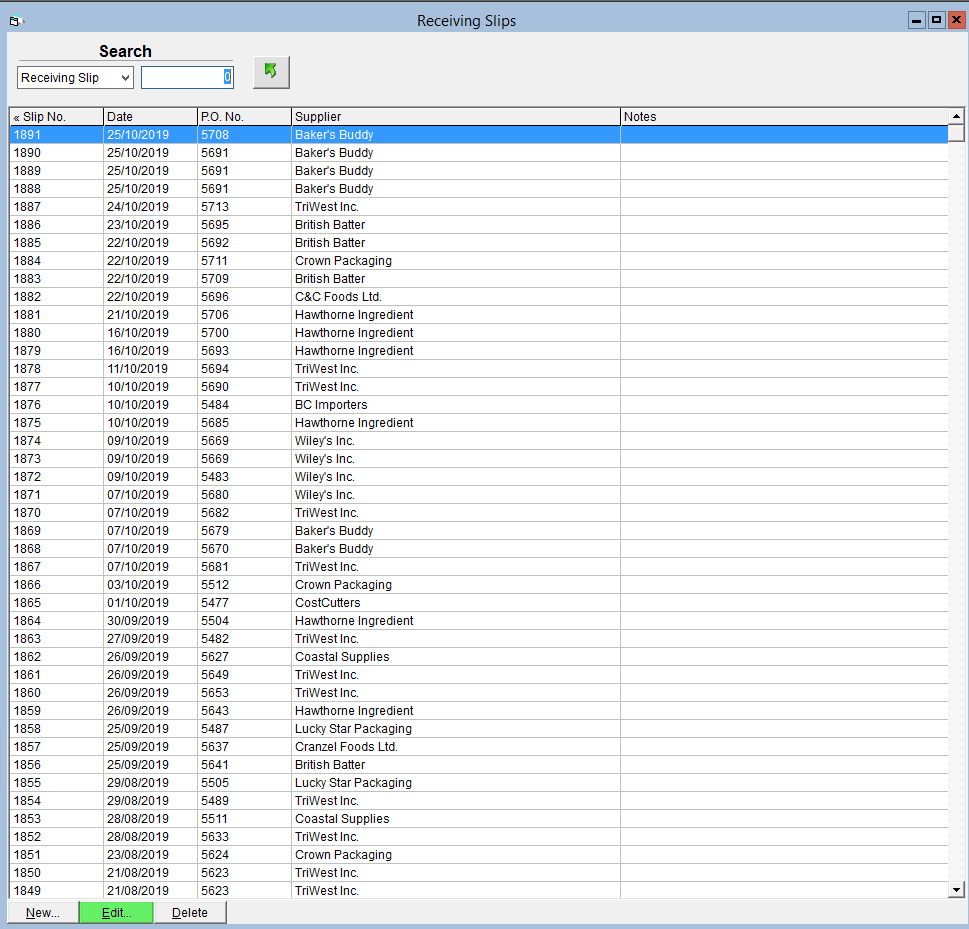
- Double click on the associated Receiving Slip that you would like to print tags for, or click on it once and then click Edit in the bottom left corner.
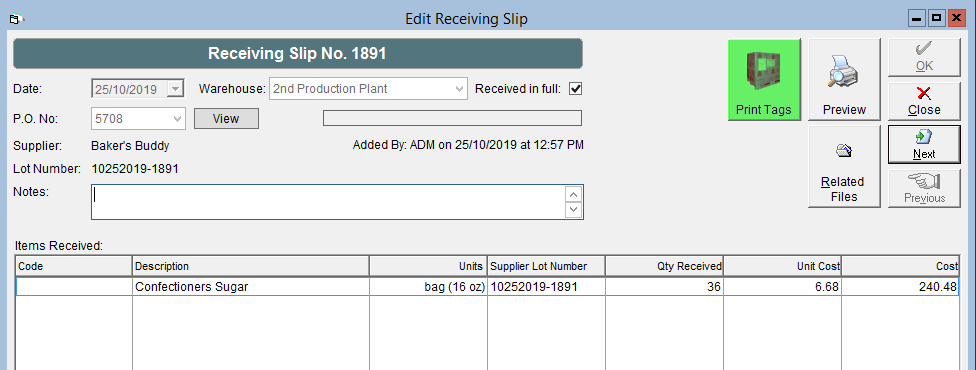
- On the Receiving Slip screen click the Print Tags button.
- In the Pallet Count field enter how many copies of each tag you require.
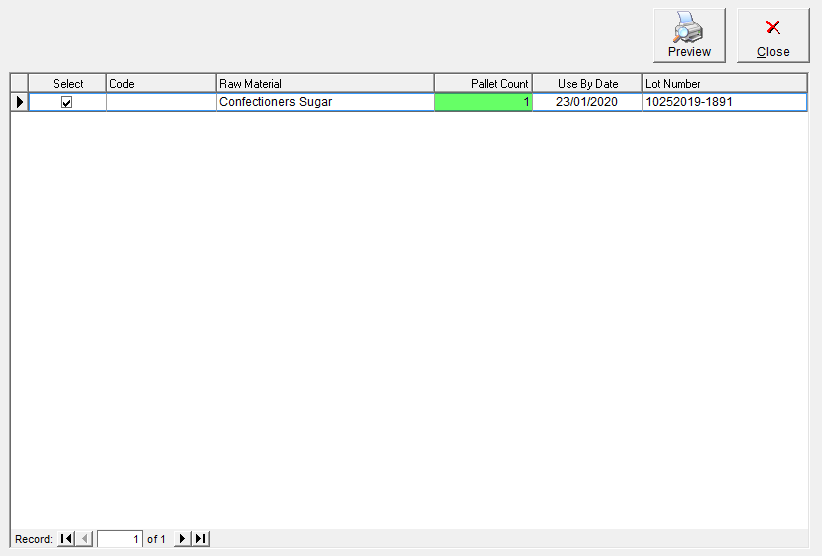
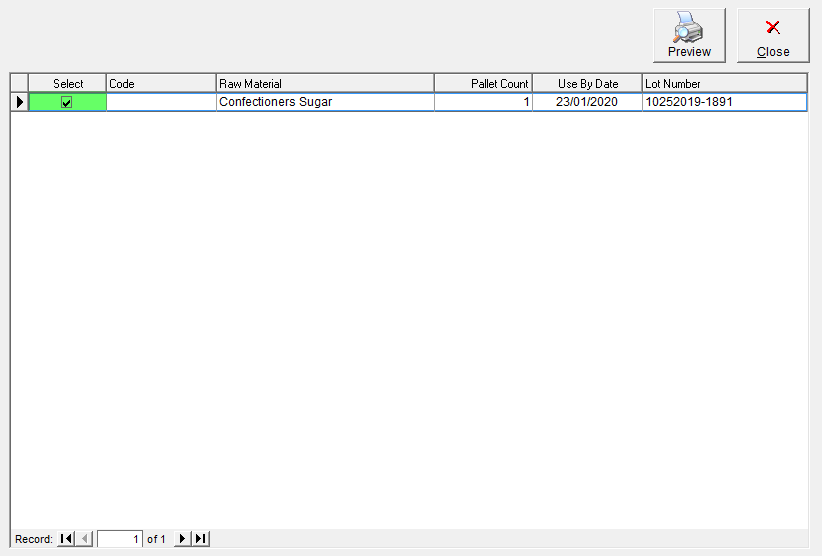
- In the Select column, uncheck any boxes associated with items you do not require tags for.
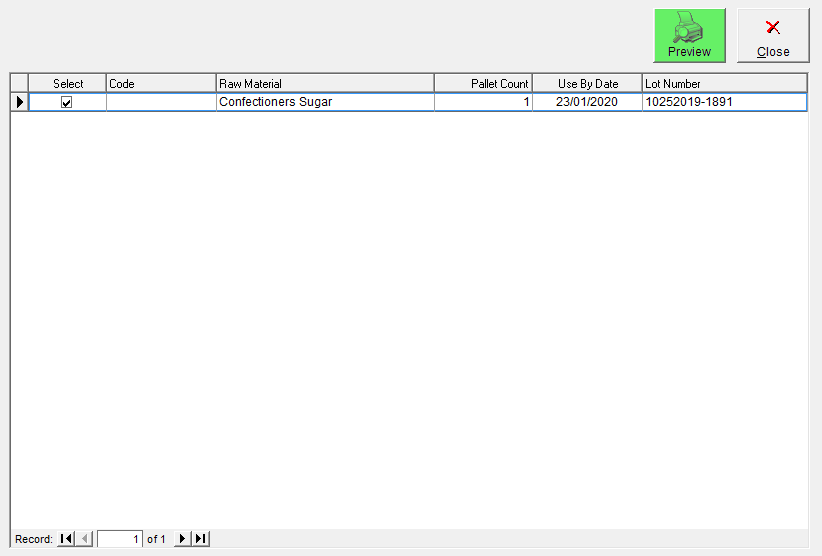
- Click the Preview button.
- Click the Print button at the top of the screen.