
Release Date: January 16th, 2026
At FlexiBake, we know that your business moves fast, and our goal is to keep your software moving just as quickly. We’ve been busy in the digital kitchen whipping up a fresh batch of updates to make your experience smoother for the first FlexiBake release of 2026!
We haven't quite figured out how to make the computer screen smell like fresh cookies yet, but we think you'll appreciate these improvements nonetheless.
New and Updated Features
More mini makeovers!
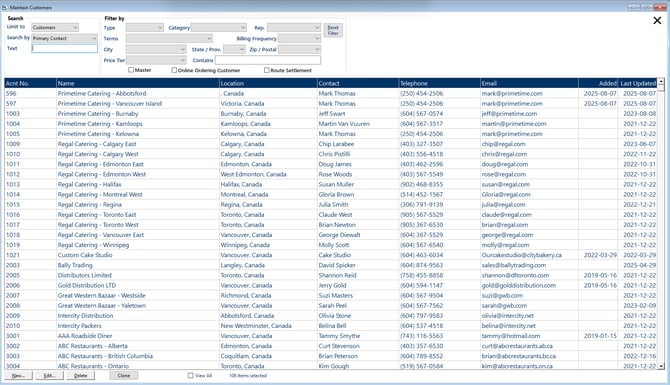
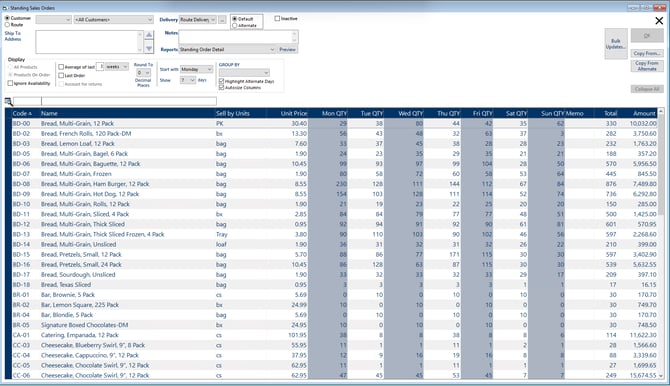
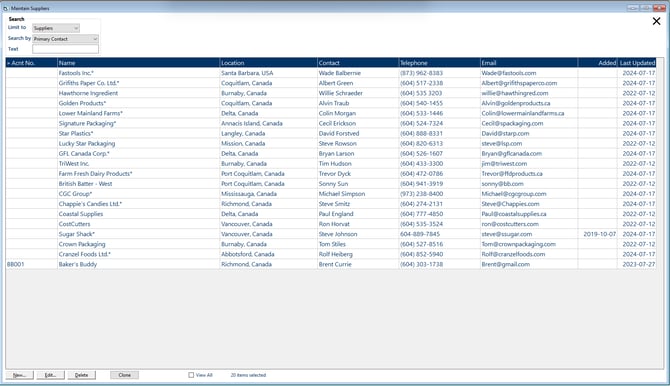
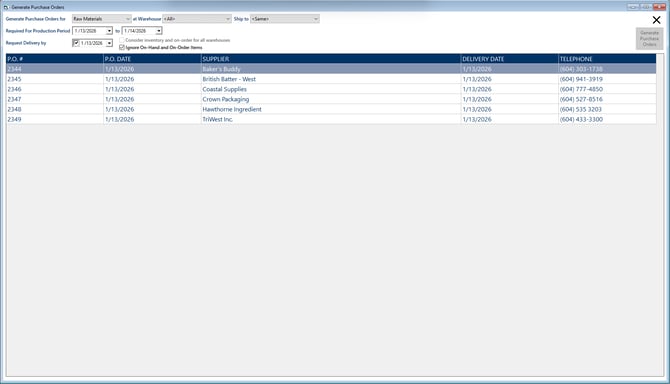
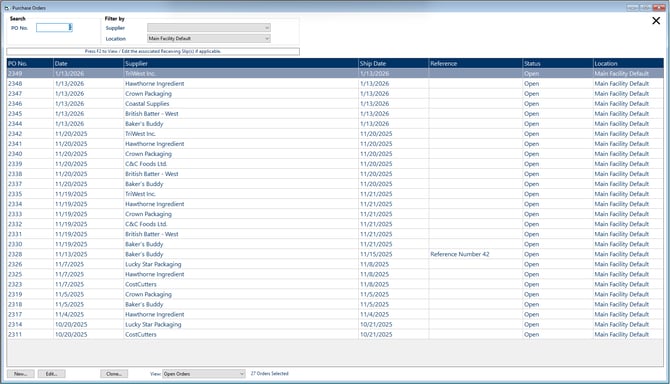
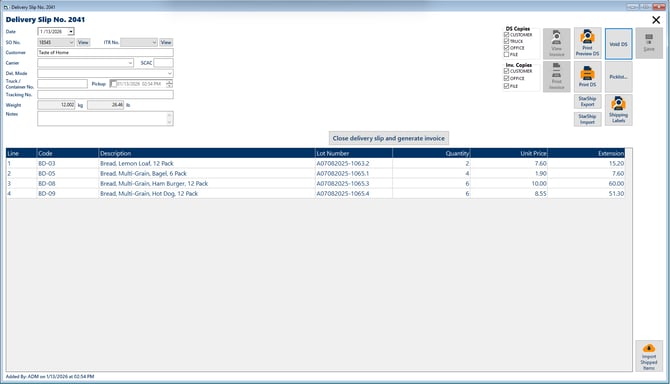
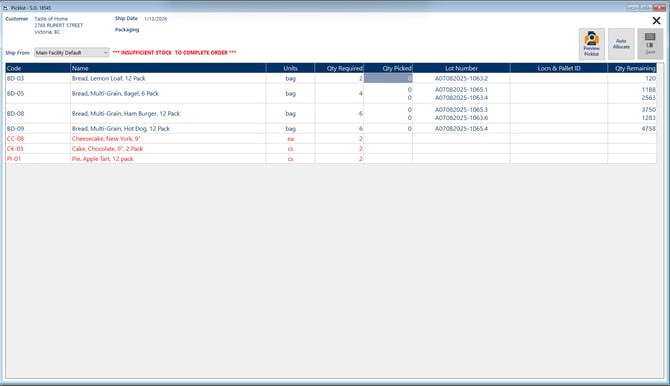
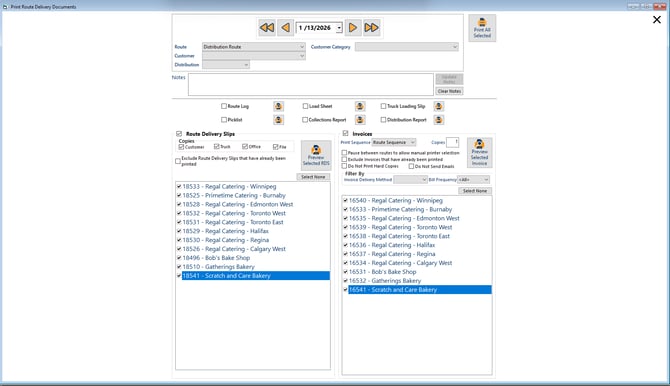
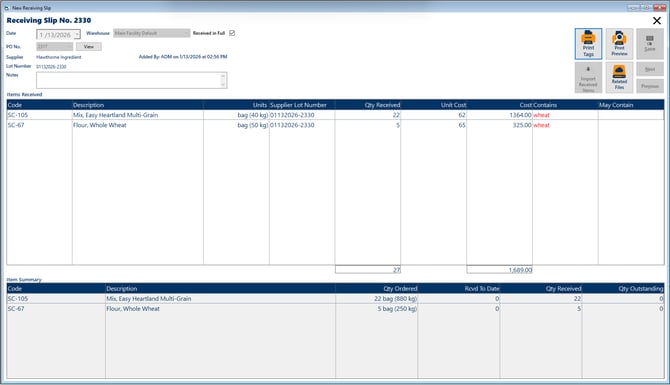
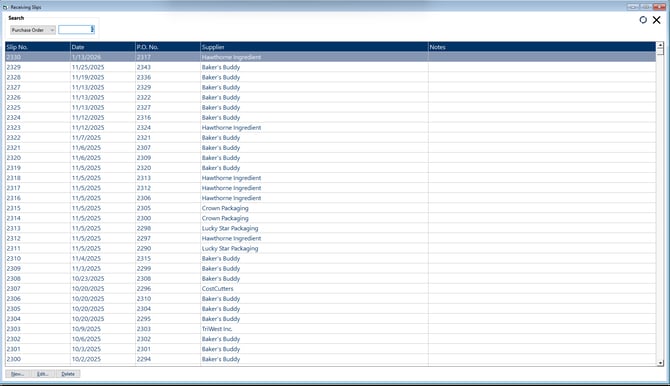
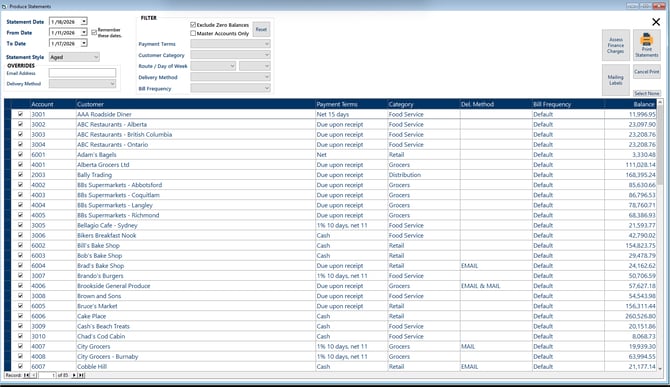
We've continued our quest to improve the look and feel of FlexiBake. This time, we selected a handful of our favourite day-to-day screens for a makeover. Here's a sneak peak:
Maintain Customers:
Maintain Standing Sales Orders:
Maintain Suppliers:
Generate Purchase Orders:
Maintain Purchase Orders:
Delivery Slip:
Delivery Slip Picklist:
Print Route Docs:
Receiving Slip:
Maintain Receiving Slips:
Produce Statements:
Bug Fixes
Incorrect Amount Due on Non-consolidated master account statements
In the last update, an issue with the Amount Due field on customer statements was calculating incorrectly for master accounts not using consolidated statements. We're corrected our mistake so that the Amount Due field will match the running balance/total of transactions on the statement!
Error deleting applied consolidated payments
Deleting a consolidated payment that had already been applied would throw an icky-looking error but still finish the job properly. We've resolved this error so that the whole process is smooth sailing.
Error in Inventory Transaction History
An error would sometimes occur when users tried to check the integrity or details of an inventory transaction by lot number. We fixed the underlying data query for the Transaction History screen, ensuring you can audit your lot numbers and inventory history without interruption.
Production Schedule Report Date Range Correction
The Product Scheduled report within the Schedule Production screen wasn't updating if the date range was changed after the report was opened. We've corrected this so you can change the reporting period to your heart's content.