
If you have your own trucks to deliver product to your customers, inputting your routes into FlexiBake can help you and your driver stay organized; FlexiBake not only has a number of helpful documents for your drivers, it can also print out invoices, loading sheets, delivery slips and more based on the sequence of customers in the route.
To add a new route into FlexiBake, follow these instructions:
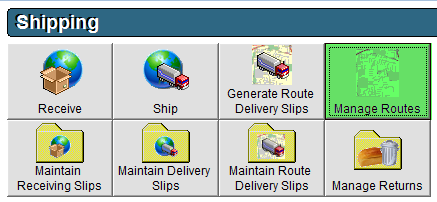
- Navigate to the Shipping Centre and click the Manage Routes button.
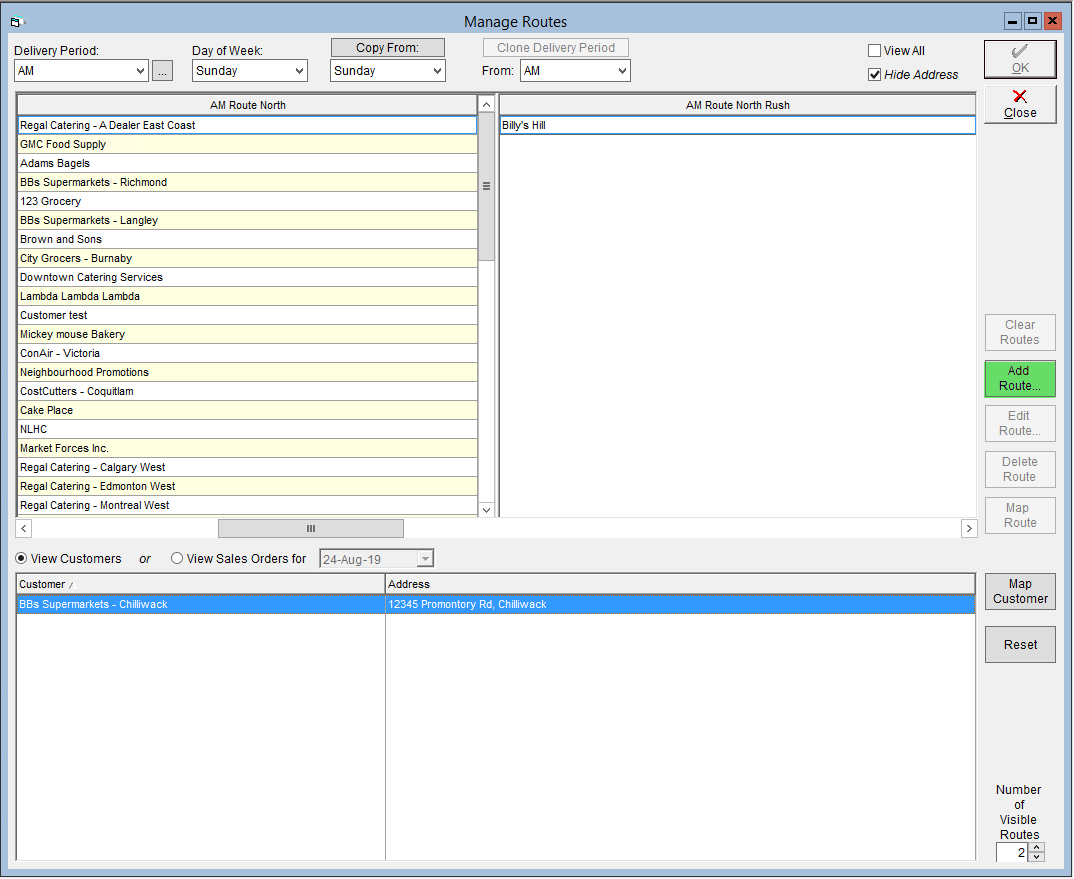
- On the right side of the screen, click Add Route.
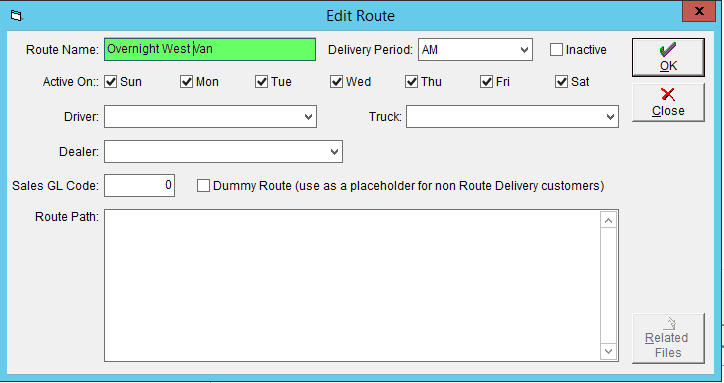
- Enter a unique Route Name.
- Select the Delivery Period this route is to be active on.
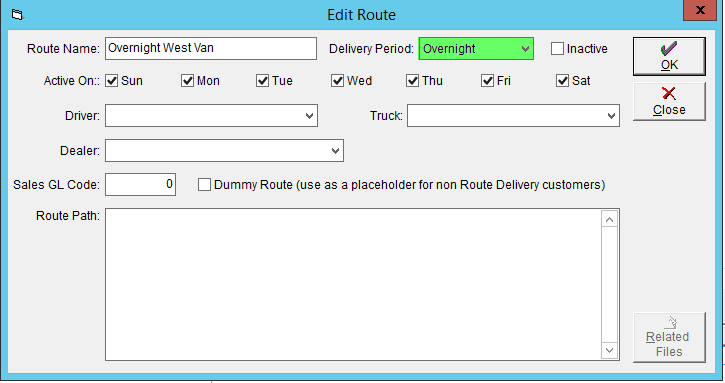
- Check the days of the week that the route is to be Active On.
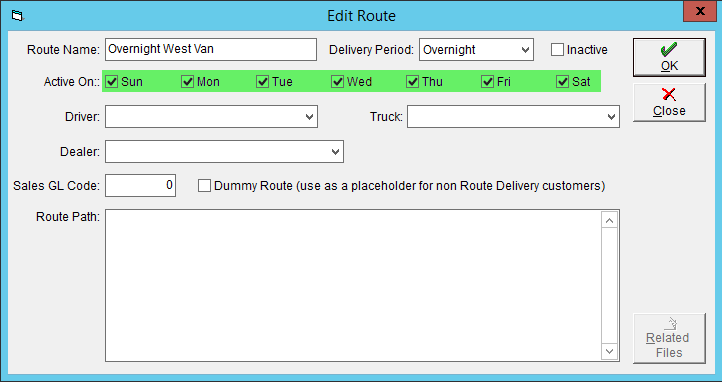
- Click OK to save.
Sequence a Route